

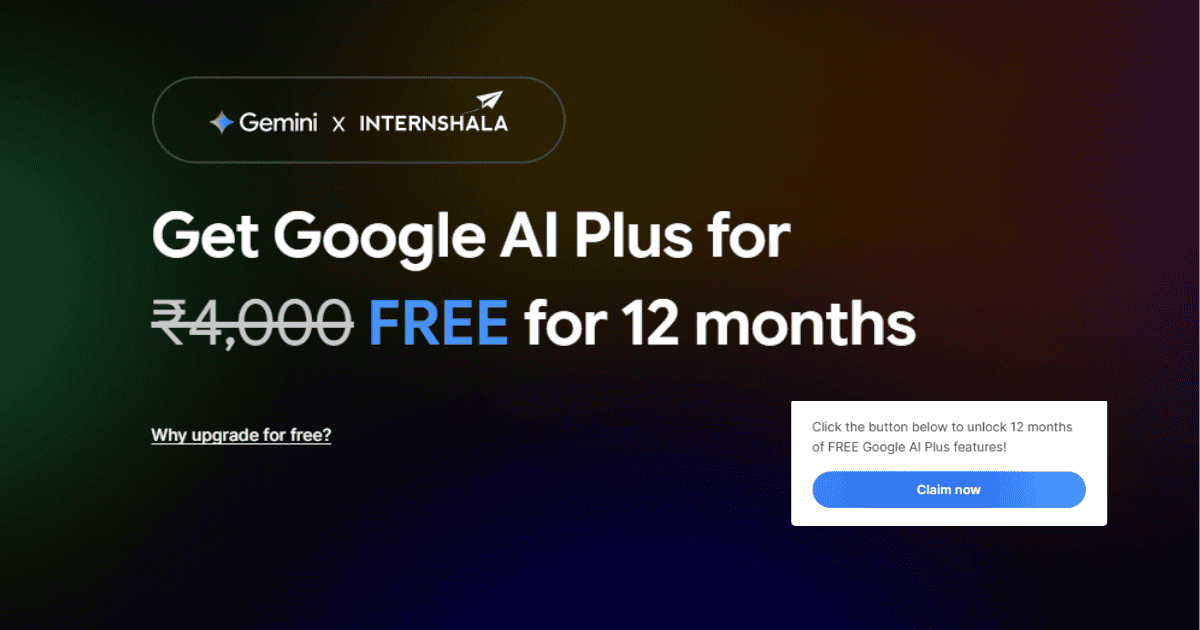
Supercharge your academic and professional journey with Google’s most powerful AI model. In an exceptional move to support university students and developers, Google has partnered with Internshala to offer a 12-month free subscription to Google AI Plus (which includes Gemini Advanced). Here is your exclusive Recru Eg guide to activating this premium offer step-by-step to boost your productivity.
What Does the Google AI Plus Subscription Offer?
This subscription is not just an AI chatbot; it is a comprehensive productivity ecosystem designed to elevate your workflow:
- Exclusive Access to Gemini Advanced: Unlock exceptional capabilities in complex coding, advanced data analysis, and high-fidelity text, image, and video generation.
- Massive Cloud Storage: Receive a massive 400 GB of secure cloud storage via Google One to safely save your heavy university projects, datasets, and personal files.
- Seamless Workspace Integration: Utilize advanced AI capabilities directly inside essential Google applications, including Gmail and Google Docs, to draft professional emails and reports instantly.
- Massive Financial Savings: This premium tier typically costs a recurring monthly fee. Through this exclusive student offer, you will enjoy all premium benefits completely free for one entire year.
Eligibility Criteria for the Offer
To successfully activate this 12-month free subscription, you must meet the following conditions:
- Academic Status: You must be an active university student. It is highly preferred that your expected graduation date is registered as 2026 or later.
- Google Account: You must possess an active, personal Google account.
- Internshala Profile: You must have a fully completed profile on the Internshala platform that officially verifies your status as a university student.
Step-by-Step: How to Activate the Offer
Securing your free year of Gemini Advanced requires absolute accuracy during registration. Follow these steps carefully:
- Step 1: Update Your Internshala Account: Visit the Internshala website and log in (or create a new account). You must update your profile with your exact university details and expected graduation date, as the platform’s algorithm reads this data to verify your eligibility.
- Step 2: Access the Campaign Link: Once your profile is 100% complete, locate the specific “Google AI Plus on Internshala” banner or section within the platform to access the activation page.
- Step 3: Link Your Google Account: You will be redirected to log in with the personal Google account you wish to upgrade. Note: This offer can only be redeemed once per account, so choose your primary account.
- Step 4: Set Up a Payment Method: To activate the free annual subscription, Google requires a valid bank card or mobile billing setup. (A tiny verification fee may be temporarily held and instantly refunded to check card validity. The actual subscription fee will not be charged until the 12 months pass).
- Step 5: Cancel Auto-Renewal (Crucial Step): The moment Gemini Plus is activated on your account, immediately navigate to your Google Play or Google One payment settings and cancel “Auto-renewal.” This guarantees you will enjoy the full free year without your card being charged when the promotional period ends.
The world of Artificial Intelligence is evolving at an astonishing pace, and owning a powerful tool like Gemini Plus will give you a major advantage in your academic research, coding projects, and career preparation. Don’t miss out on this valuable offer, and follow the steps today!